
How to Create an Athlete Profile Free - That Gets Noticed
By SportsLine Desk Published:
Learn how to create a standout athlete profile on SportsLine, showcase your skills and achievements, request verification and discover sports opportunities.
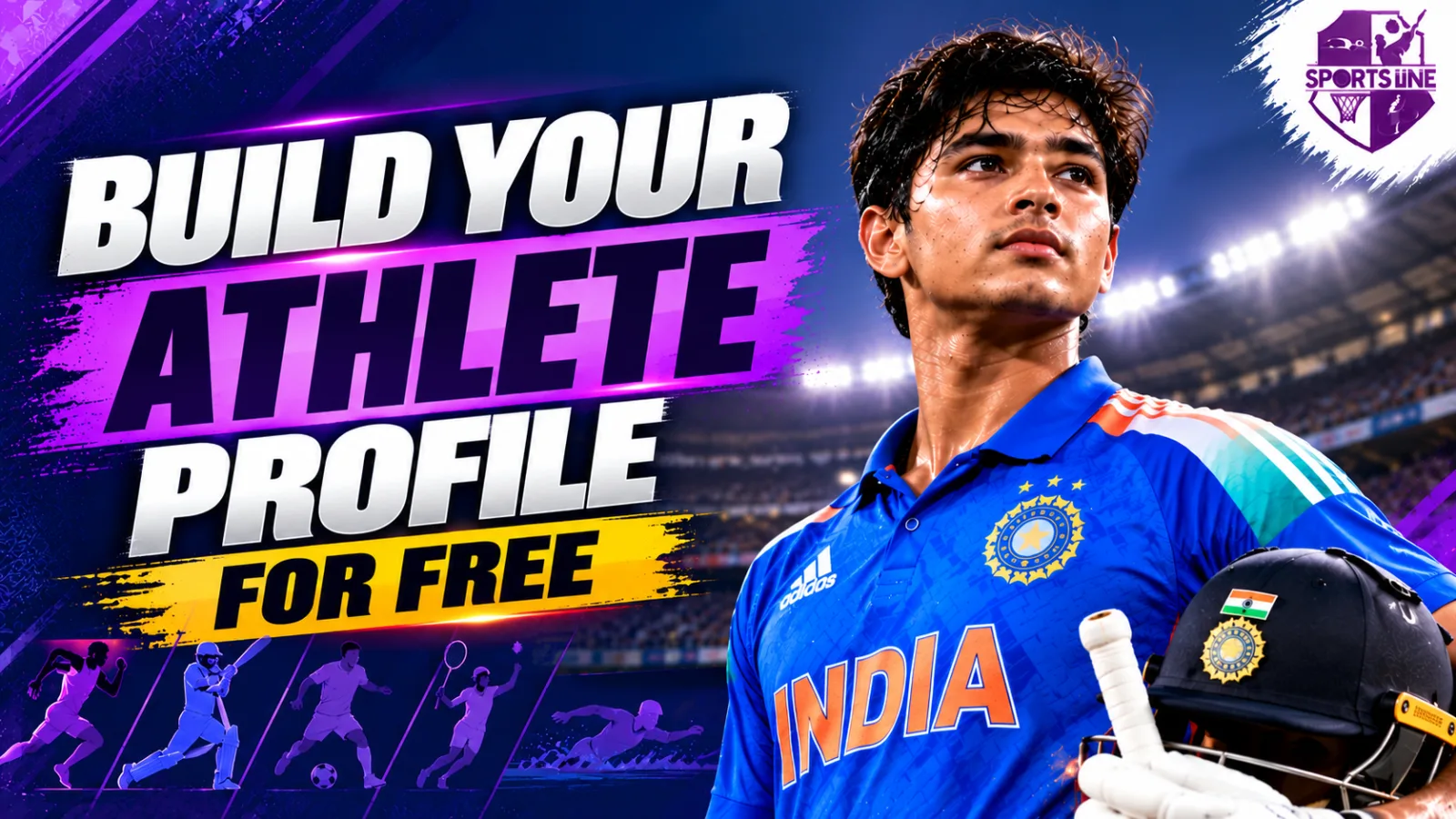
Introduction
Are you an aspiring athlete looking for sports trials, scholarships, sponsorships or opportunities to showcase your talent?
Your sporting ability matters, but presenting your experience and achievements clearly can also make a difference. A well-prepared athlete profile helps people understand who you are, which sport you play, what you specialize in and what you have achieved.
SportsLine helps athletes create an online profile to showcase their sporting journey and discover opportunities.
Whether you are a young player, a competitive athlete or an experienced sportsperson, you can start building your profile here:
Create Your Free Athlete Profile on SportsLine
Follow this step-by-step guide to complete your profile, present your achievements professionally and make the most of the platform.
Why Should Every Athlete Have an Online Profile?
An athlete profile brings important sporting information together in one place. Instead of explaining your background from scratch every time you approach a coach, academy or potential sponsor, you can direct people to your profile.
A well-maintained profile can help you:
- Present your sport, experience and specialisations.
- Showcase your background and sporting achievements.
- Add supporting certificates and letters where available.
- Request profile verification through the platform's process.
- Discover relevant trials, scholarships, sponsorships and competitions.
- Make it easier for people to understand your sporting goals.
An online profile does not guarantee selection, sponsorship or employment. However, accurate and well-organised information gives others a clearer picture of your sporting journey.
How to Create an Athlete Profile on SportsLine
Step 1: Open the SportsLine Athlete Registration Page
Visit the official athlete registration page:
https://sportsline.news/athletes-join.php
Follow the registration instructions to create your account and access the athlete profile form.
If you have already registered, log in using your existing account rather than creating a duplicate.
Step 2: Enter Your Full Name
Enter your full name accurately in the profile form.
Use the name you normally use for sporting registrations and official records. Consistency can help when your profile details are compared with certificates or other supporting documents.
Avoid nicknames or decorative text that could make your identity difficult to verify.
Step 3: Select Your Main Sport Category
Choose the main sports category that best represents your discipline.
Depending on the available options, categories may include cricket, football, badminton, tennis, wrestling, shooting, javelin throw, track and field, and other sports.
Choose the most appropriate category first. Then select the specific sport or sports you play from the options shown in the form.
If you participate in more than one sport, select the additional disciplines that accurately reflect your experience.
Step 4: Add Your Experience and Specialisations
Provide a clear picture of your sporting background.
The profile form includes fields for experience and two specialisations.
For example:
Sport: Athletics
Experience: 4 years
Specialisation 1: 100-metre sprint
Specialisation 2: 200-metre sprint
A badminton player might list singles and doubles, while a cricketer might specify batting, fast bowling or wicketkeeping.
Use your actual experience and specialisations. Do not exaggerate your level or claim skills you cannot demonstrate.
Step 5: Write a Strong Short Bio
Your short bio is an opportunity to introduce yourself to people who may be interested in your sporting journey.
A useful bio explains your sport, experience, strengths, achievements and goals in a few sentences.
Example athlete bio:
"I am an aspiring track and field athlete specialising in sprint events. I am committed to improving my speed, technique and competitive performance through consistent training. I am interested in suitable athletics trials, competitions and development opportunities that can help me progress to the next level."
Personalise this example with your actual details.
If you have won medals, represented a school or district, or competed at state or national level, mention those achievements only when they are accurate.
Step 6: Add a Clear Profile Photograph
Upload a suitable photograph using the profile picture field.
The registration form shown on SportsLine accepts JPG, PNG or WebP images up to 3 MB.
For the best presentation:
- Use a clear, recent photograph.
- Ensure your face is visible.
- Choose a simple background.
- Wear appropriate sportswear or a neat outfit.
- Avoid blurry images, heavy filters and distracting graphics.
A good photograph helps visitors recognise you and makes the profile look more complete.
Step 7: Enter Your Location
Fill in your city, state and country.
For example:
City: Chennai
State: Tamil Nadu
Country: India
Use your actual location. Accurate information helps people understand where you are based when considering relevant opportunities.
Do not enter a different city simply to appear closer to a particular academy or competition.
Step 8: Review the Form and Submit Your Profile
Before submitting, check your name, sport category, selected sports, experience, specialisations, bio, photograph and location.
If you are under 18, follow the platform's parental or guardian consent requirements.
Once you have completed the required fields, select Create My Athlete Profile.
According to the registration page, new listings start on the Free plan and go live after administrator review. Your profile is therefore not necessarily public immediately after submission.
Follow any further instructions provided by SportsLine.
How to Make Your Athlete Profile Stand Out
Creating a profile is the first step. Keeping it useful, accurate and up to date makes it more valuable.
1. Highlight Real Achievements
Include meaningful sporting accomplishments, such as:
- School, college or district-level representation.
- State or national competition participation.
- Tournament results and medals.
- Personal bests or verified performance records.
- Recognised coaching or training qualifications, where relevant.
Use specific details where possible. For example, state the competition, year and result instead of writing only "many achievements".
2. Add Certificates and Supporting Documents
SportsLine's Help Centre explains that athletes can manage certificates and letters through their dashboard.
These may include certificates, medals, selection letters and recommendation letters.
To manage these items, open your dashboard and look for the Certificates and Letters section. Add the requested document details, such as its title, issuer and year, and choose whether to display it publicly.
The Help Centre states that uploads can be photos or PDFs up to 4 MB.
Only upload genuine documents that you are authorised to share. Review your privacy settings before making any document publicly visible.
3. Request Profile Verification
SportsLine provides a profile verification process.
Its Help Centre advises athletes to complete their profiles, add a clear photograph and upload the requested certificates or identity proof before requesting verification.
The team reviews verification requests, and approval is not automatic. Follow the instructions in your dashboard and respond to any requests for additional information.
A verification badge should not be treated as a guarantee of sporting ability, selection or sponsorship.
4. Keep Your Profile Updated
Update your profile when you:
- Join a new academy or team.
- Achieve a significant competition result.
- Improve your personal best.
- Gain a relevant qualification.
- Begin competing in another discipline.
- Change your sporting goals or availability
- A current profile gives visitors a more accurate picture of your development.
5. Make Your Goals Clear
If you are looking for opportunities, be clear about the type of progression you want.
For example, you might be working towards state-level selection, searching for eligible trials, looking for a scholarship or seeking support for training equipment.
Use the relevant profile fields and available dashboard features to communicate your goals honestly.
How to Find Trials, Scholarships and Sponsorships on SportsLine
Once your athlete profile is ready, explore the opportunities available on the platform.
SportsLine's Help Centre explains that athletes can find an Opportunities for you section on their dashboard, featuring opportunities such as trials, scholarships, sponsorships, jobs and competitions.
Follow these steps:
- Log in to your SportsLine account.
- Open your dashboard.
- Look for the available opportunities section.
- Review the sport, age, location, eligibility criteria and deadline for each opportunity.
- Follow the organiser's application instructions.
- Keep track of your applications and follow-up requirements.
Start here:
Always confirm the details with the relevant organiser. A profile does not automatically register you for a trial or guarantee that you will be selected.
Can You Start with a Free Athlete Profile?
Yes. SportsLine's registration page states that new listings start on the Free plan and go live after administrator review.
The platform also offers paid plans with additional features. According to its Help Centre, athletes can choose Free, Premium or Gold plans.
Before upgrading, review the current plan details and decide whether the additional features suit your needs. You can begin by creating your profile and completing the information available on the Free plan.
Important: Plan prices and included features can change. Check the latest details on SportsLine before making a payment.
Common Mistakes to Avoid
Avoid these mistakes when building your profile:
Leaving important profile fields incomplete.
Uploading a blurry or unsuitable photograph.
Exaggerating your experience or achievements.
Listing sports you do not actively participate in.
Uploading certificates with incorrect details.
Sharing sensitive personal information unnecessarily.
Assuming profile submission means instant publication.
Expecting verification to guarantee selection or sponsorship.
Ignoring eligibility requirements and application deadlines.
An honest, complete profile is a stronger foundation than an exaggerated one.
Frequently Asked Questions
How do I create an athlete profile on SportsLine?
Visit SportsLine's athlete registration page, create or access your account, complete the athlete form and submit it for review.
Is the SportsLine athlete profile free?
The registration page states that new athlete listings start on the Free plan. Paid plans are also available with additional features. Check the current plan information for details.
What should I include in my athlete bio?
Include your main sport, experience, specialisations, genuine achievements and sporting goals. Keep the information concise, relevant and accurate.
Can I upload certificates to my athlete profile?
SportsLine's Help Centre explains that athletes can add certificates and letters through their dashboard. Check the current upload requirements and visibility settings before submitting documents.
How can I get my profile verified?
Complete your profile, add a clear photograph and provide the requested supporting proof. Then follow the verification instructions available through SportsLine. Approval depends on the review process.
Will creating a profile guarantee sports trials or sponsorships?
No. A profile helps present your background and discover opportunities, but selection, funding and sponsorship depend on the relevant organisers and their criteria.
Start Building Your Sporting Future
Your achievements deserve to be presented clearly. A complete athlete profile helps you organise your sporting background, showcase genuine results and explore opportunities that match your goals.
Start with the basics, add supporting evidence where available, and keep your information updated as your career progresses.
Ready to create your profile?
Join SportsLine as an Athlete — Create Your Profile
Build your profile. Showcase your journey. Explore your next opportunity.
Sources and Further Reading
This independent guide explains how to use SportsLine's athlete profile features. Platform functionality, pricing, verification requirements and plan benefits may change. Always check the current website for the latest information.
Events in this post
41st National Junior Athletics Championships
Event · Camp · Chennai · 23 Oct 2026
The 41st National Junior Athletics Championships 2026 is India's premier annual domestic track and field competition for young athletes, scheduled to take place from 23 October to 27 October 2026.&...
View event →